
Windows 11 Professional is designed to meet modern computing needs with a clean interface, improved performance, and stronger security. Built by Microsoft, this version targets professionals, businesses, and power users who want better control, advanced features, and a smooth experience across devices.
With ongoing updates leading into what users call Windows 11 Professional 2026, Microsoft continues to refine the system with smarter tools, improved multitasking, and deeper integration with modern hardware. This version focuses on productivity, security, and long-term performance.
What Is Windows 11 Professional?
Windows 11 Professional is an advanced edition of Windows 11 that includes everything in the Home version plus additional features for business and professional use.
It offers tools like BitLocker encryption, Remote Desktop, Group Policy management, and advanced update controls. These features help users manage systems more efficiently, especially in work environments where security and control matter.
What’s New in Windows 11 Professional 2026?
Windows 11 Professional 2026 introduces several refinements that improve usability, speed, and security without changing the core experience too drastically.
Improved User Interface and Productivity Tools
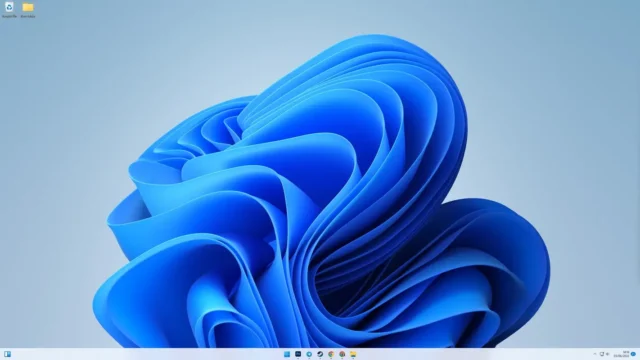
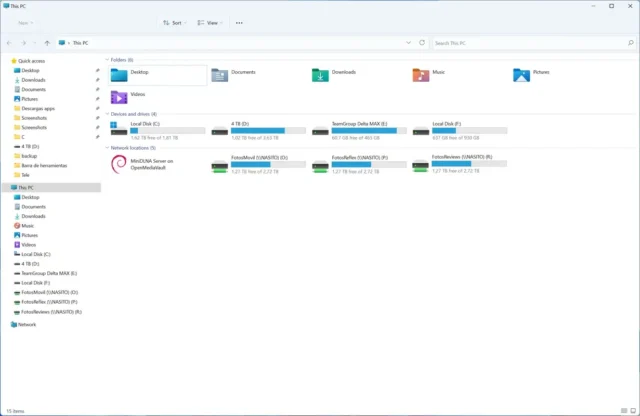
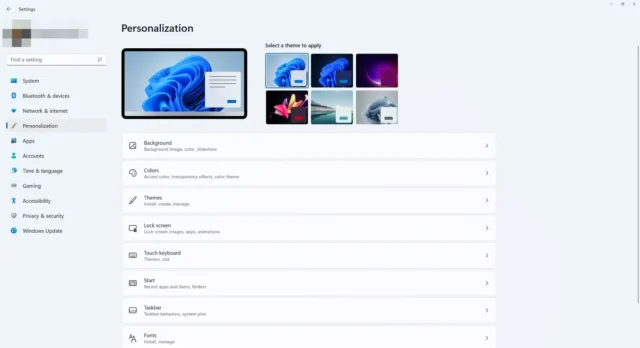
The interface has been refined to feel smoother and more responsive. Animations are faster, and navigation feels more fluid. The centered Start Menu and taskbar remain, but performance improvements make interactions quicker.
Snap Layouts and Snap Groups have also been improved. You can organize multiple windows more efficiently, making multitasking easier. For example, you can quickly arrange a browser, document, and communication app on the same screen without manual resizing.
Enhanced Security and Privacy Features
Security in Windows 11 Professional 2026 has been strengthened with better protection against modern threats. Features like TPM-based security, secure boot, and improved antivirus capabilities help protect your data.
The system also includes advanced privacy controls, allowing users to manage app permissions more easily. This is important for professionals handling sensitive information.
Better Performance and Resource Management
Microsoft has optimized how the system uses CPU, RAM, and storage. Background processes are managed more efficiently, which improves overall speed and responsiveness.
Users will notice faster startup times, smoother app performance, and better handling of heavy workloads. This is especially useful for users who run demanding software or multitask frequently.
Improved Gaming and Graphics Support
Windows 11 Pro includes enhancements for gaming and graphics performance. Features like DirectX 12 Ultimate support better visuals and smoother gameplay.
Auto HDR and improved GPU scheduling also enhance performance for supported hardware. Even though this version targets professionals, these improvements benefit anyone working with graphics-intensive applications.
Seamless Cloud and Remote Work Integration
Cloud integration has been improved, making it easier to sync files, settings, and applications across devices. This is helpful for users who work from multiple locations.
Remote Desktop performance has also been enhanced, allowing smoother connections and better responsiveness when accessing systems remotely.
Performance and Real-World Usage
In real-world use, Windows 11 Professional 2026 delivers a balanced experience. It feels modern without being complicated. The system runs smoothly on supported hardware and handles both everyday tasks and demanding workloads effectively.
Users benefit from improved multitasking, faster performance, and a cleaner interface. For professionals, this means better productivity and fewer interruptions.
Windows 11 Professional 2026 System Requirements
| Component | Minimum Requirement | Recommended Requirement |
|---|---|---|
| Processor (CPU) | 1 GHz, 2 cores, 64-bit | Intel i5 / AMD Ryzen 5 or better |
| RAM | 4 GB | 8–16 GB or more |
| Storage | 64 GB free space | SSD with 100+ GB free space |
| TPM | NO TPM 2.0 required | NO TPM 2.0 required |
| Graphics | DirectX 12 compatible | Dedicated GPU recommended |
| Display | 720p display | 1080p or higher |
| Internet | Required for setup | Required for updates & cloud features |