
In 2025, the digital world of video editing is evolving faster than ever, and Wondershare Filmora 15 stands right at the forefront of that change. Whether you’re a newcomer dipping your toes into editing for the first time or a seasoned content creator seeking to polish your work with professional tools, Filmora 15 promises a blend of simplicity, powerful features, and cutting-edge AI tools built to redefine the way you make videos.
Filmora has always stood out for its combination of intuitive design and high-performance editing, and the release of version 15 takes things a huge step further. In this article, we’ll explore how you can download Filmora 15 for free, what makes this version special, and why so many creators have started calling it a “game-changer.
What Is Filmora 15 and Why It Matters?
Wondershare Filmora has long been one of the most popular video editors for beginners and semi-professional editors alike. The software strikes a balance between user-friendliness and powerful features, making it accessible for everyday content creators without sacrificing tools that professionals appreciate. With Filmora 15, Wondershare introduces not only a refreshed interface but also a suite of next-generation AI features that dramatically speed up editing workflows and unlock creative possibilities previously reserved for much more advanced (and expensive) editors.
Filmora 15 continues this tradition by offering both a free download trial and optional paid plans that unlock the full suite of creative tools. The official download page lets users grab the editor for Windows and Mac, and once installed, you can explore the features without initial cost, making it a compelling choice for anyone interested in stepping up their video game.
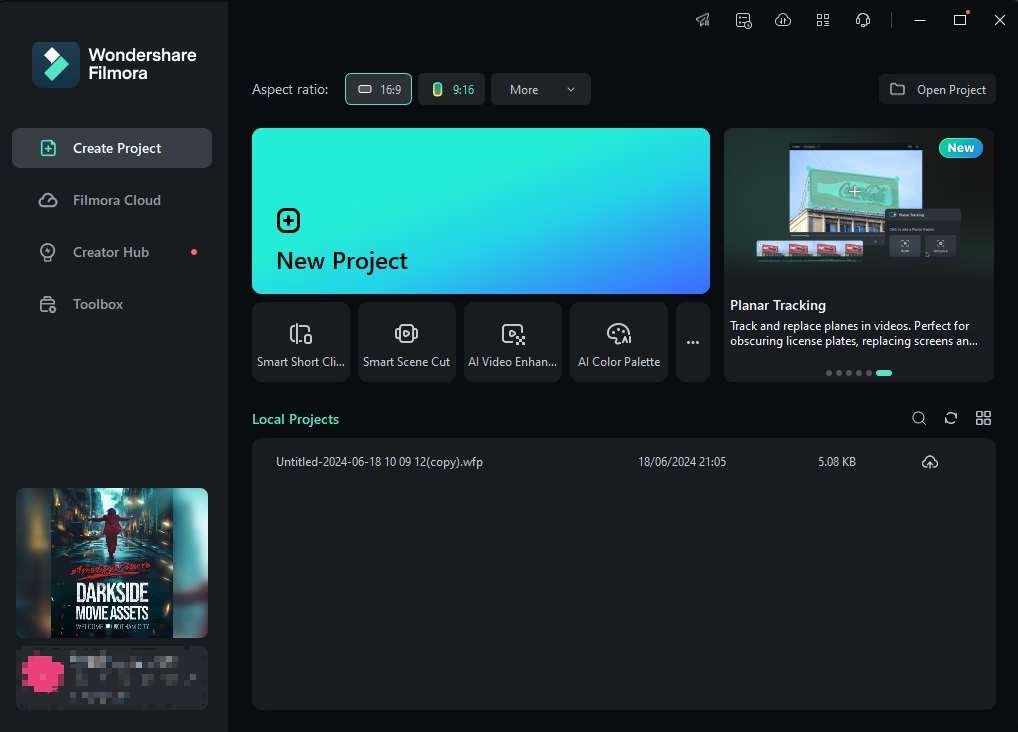
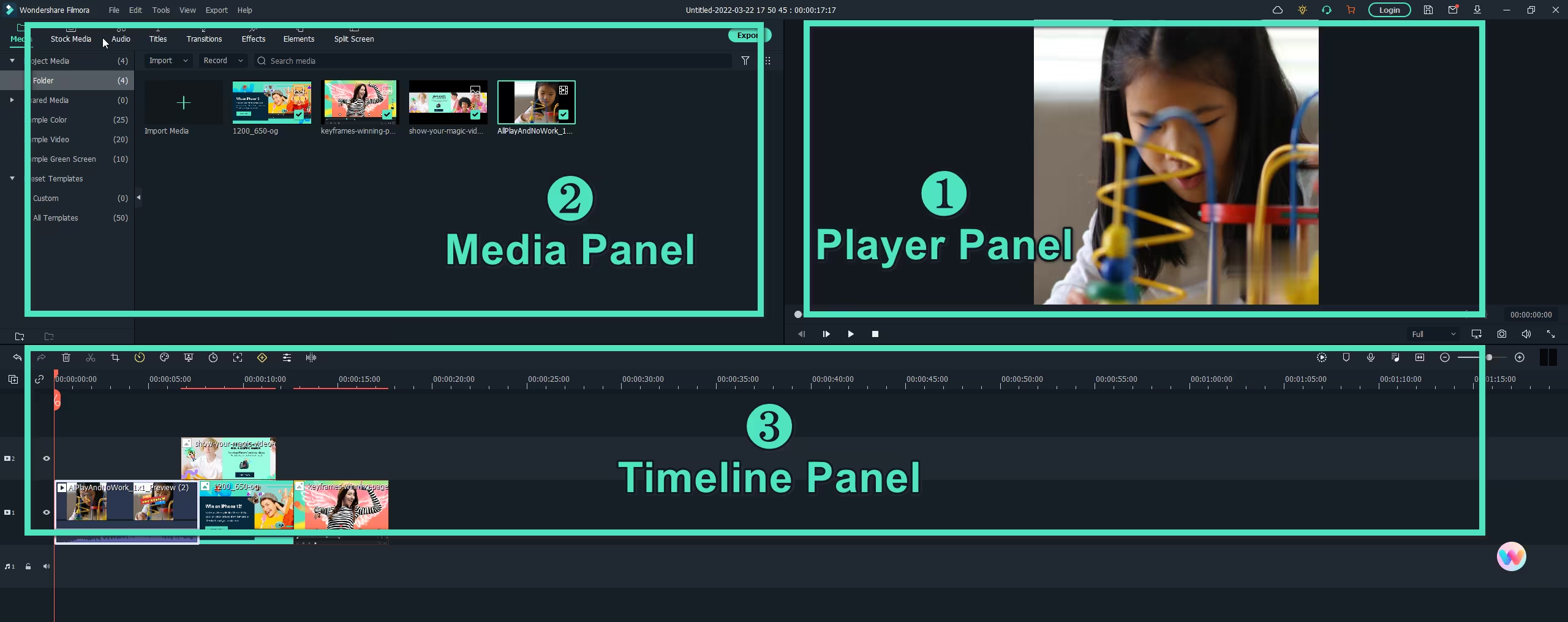
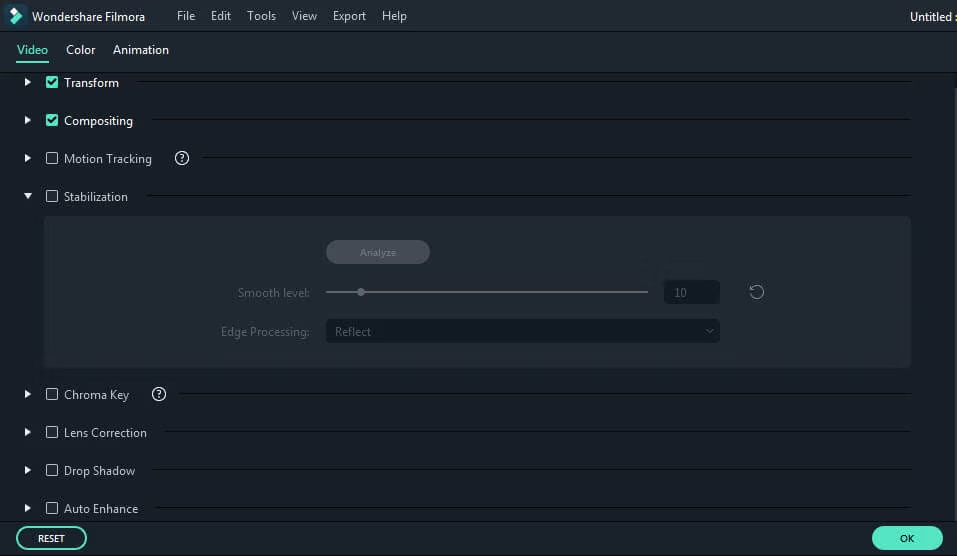
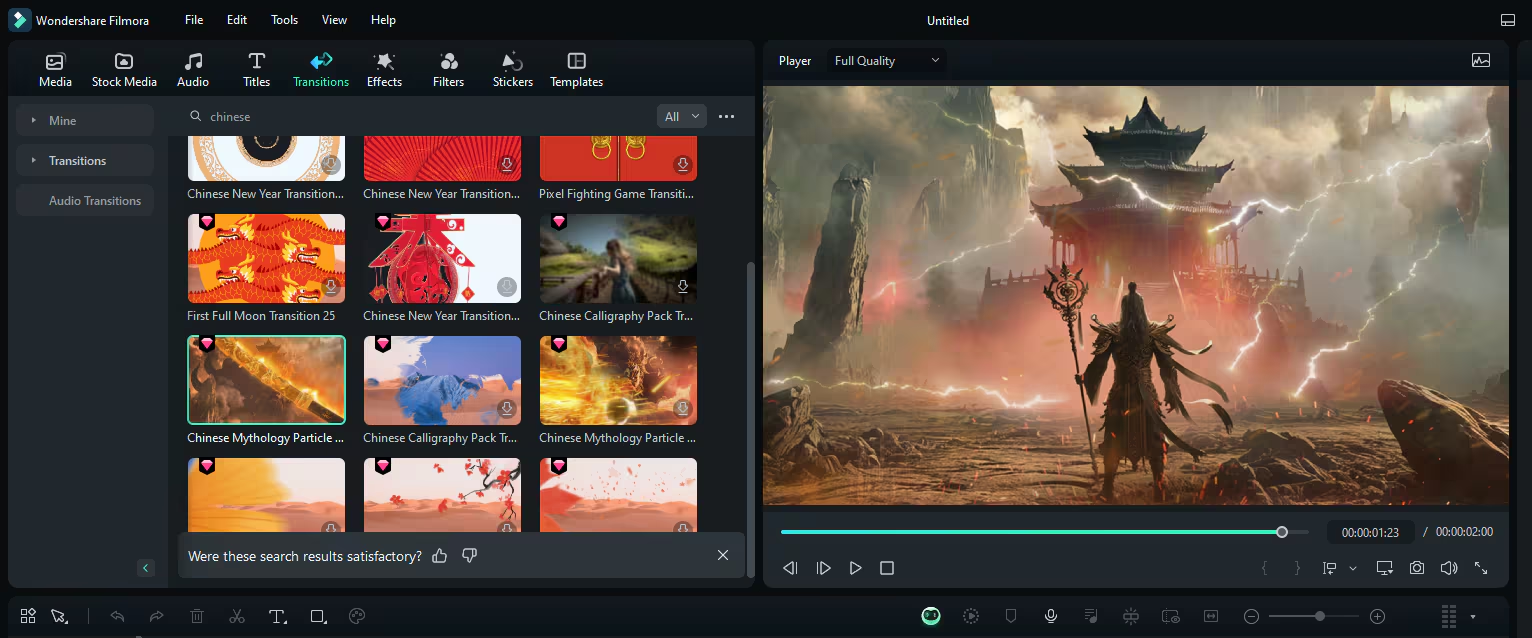
Filmora 15 Preview
How to Download Filmora 15 for Free
Downloading Filmora 15 is straightforward. On the official Wondershare site, you’ll find a “Free Download” button that lets you install the latest version on your computer, whether it’s Windows or macOS. Simply click the link, choose your operating system, and follow the prompts to install the software. Once installed, Filmora provides a trial experience that lets you test many features — including some of the AI tools — without spending a dime.
It’s important to always use the official download source to avoid older versions or unsafe third-party copies; the official page clearly states the latest editor version and links directly to the free installer.
New Features Filmora 15
What truly sets Filmora 15 apart from previous versions is the depth of new tools and enhancements packed into it. Wondershare aimed to redefine what editing software can do by weaving AI-powered tools directly into the core editing workflow and giving creators more flexibility and control than ever before. Here’s what’s new and exciting in Filmora 15.
AI Extend — Seamless Clip Expansion
One of the most talked-about new features in Filmora 15 is AI Extend. This tool allows creators to effortlessly extend video clips right within the timeline. When a shot is too short to cover an audio track or fill a gap in your sequence, AI Extend intelligently predicts what visuals might come next and continues the clip — forward or backward — with consistent motion and style. This approach saves time and cuts the need for reshooting or hunting down extra footage.
Dual-Timeline Editing for Complex Projects
Filmora 15 introduces a dual-timeline editing environment, enabling users to work with two timelines at once: a primary timeline and a secondary tab where compound clips can be managed separately. This feature is particularly useful for complex edits involving multiple clips, layered effects, or nested projects. It improves editing efficiency and helps creators stay organized when dealing with lengthy or detailed timelines.
Pen Tool — Creative Freedom on the Timeline
With the new Pen Tool, Filmora 15 allows editors to draw custom paths, shapes, and strokes directly onto clips. These drawn elements can be bound to footage for dynamic, animated effects without needing external plugins. The intuitive nature of the Pen Tool opens up creative motion graphics possibilities, making it easier to create stylized visuals that fit the tone of your project.
Animated Charts — Data Visualization Made Easy
Another powerful addition in Filmora 15 is the ability to import data and generate animated charts instantly. Whether you’re making a business presentation, educational video, or marketing content, the Animated Charts feature lets you turn raw numbers into visually compelling bar graphs or animated diagrams with customizable presets.
Import Subprojects — Streamlined Project Management
Filmora 15 simplifies workflows for creators who juggle multiple videos at once with Import Subprojects. This feature allows you to bring complete project files into your current timeline as compound clips. It’s a huge time-saver for creators working across several related videos or for teams sharing assets between projects.
Source & Timeline Preview Editing
Another major enhancement is the Source Monitor and Timeline Monitor dual view, which lets editors preview media and timeline changes side by side without guesswork. This dual-monitor setup accelerates the review process and makes navigation smoother when making detailed cuts or comparing footage.
AI Upgrades and Enhanced Editing Tools
- AI Object Remover: Improved with a “Magic Box” function that can remove watermarks, unwanted people, or objects while keeping the image seamless and natural. Wondershare Support+1
- Smart Cutout: Smarter subject detection means complex edges, such as hair or fabric, can be extracted with cleaner results, reducing manual touch-ups.
- Dynamic Captions: Subtitle generation has been enhanced with batch processing and animated effects, making it easier to create engaging captioned videos.
- Upgraded Audio Engine: Filmora 15 introduces a new 32-bit audio pipeline for higher audio fidelity and better dynamic range, an essential improvement for podcasts and music-focused edits.
Performance and User Feedback
The community reaction to Filmora 15 has been mixed but largely positive. Many creators note that the general interface feels smoother and more responsive, with improved timeline performance and faster previews, which makes editing more enjoyable even without using the advanced AI features.
However, like any major update, Filmora 15 has seen some mixed reactions from users who experienced bugs or stability issues during early releases. For instance, some reported crashes when using certain effects or problems with previews in specific setups, though others said they haven’t faced any issues.
Should You Try Filmora 15?
If you are serious about video editing — whether for YouTube content, social media marketing, educational tutorials, or personal projects — Filmora 15 represents a significant step forward from previous versions. Its mix of advanced AI tools, improved workflow features like dual timelines, and creative tools like animated charts and pen paths gives creators more tools without complicating the process.
The fact that you can download and try it for free makes it even more compelling. You can test the software firsthand, explore the features that matter most to you, and decide whether the full set of tools is worth investing in for your creative goals.
Final Thoughts
Filmora 15 isn’t just another incremental update — it’s a major evolution of Wondershare’s video editing platform, blending AI innovation with practical editing enhancements that both beginners and experienced editors can appreciate. From smart clip extension and dual timelines to upgraded audio and dynamic captions, this version offers more control, creativity, and efficiency than ever before.
As the world of content creation grows increasingly competitive, tools like Filmora 15 give creators the power to tell better stories, reach wider audiences, and do it all with less frustration and higher polish. And with the free download available on the official site, there’s never been a better time to explore what Filmora can do for your videos.